
Schedule social posts from Codibu assets
Connect accounts, compose captions, and queue publishing from AI images and video. Platform coverage and OAuth approval vary by network — this workspace is in public beta.
Social Poster is open for signed-in accounts
Sign in to connect networks, draft captions, and schedule posts. Some platforms are still rolling out OAuth or publish support.
Open Social PosterGuests sign in first — then the Social Poster workspace opens from this page.
Concept preview
Illustrative UI only — not a live queue or connected accounts.
TikTok
YouTube
Threads
X
This week
concept only
M
09:00
Drop teaser
T
W
12:30
Behind scenes
T
F
17:00
Customer story
S
08:00
Weekly recap
S
What we are building
Campaign planning from Codibu assets — not a live scheduling product yet.
Caption drafts
Prepare copy alongside images and clips you already made.
Channel planning
Organize which networks a post targets — when connectors open.
Review-first flow
Human review before any publish action — no autopilot guarantee.
Queue concept
Calendar and queue UI in development — not publicly available.
Analytics (planned)
Basic delivery status only where platforms expose it — not live analytics today.
Platform direction
We are building connectors per network. Availability, OAuth, and publish permissions vary — nothing here is a guarantee of live posting today.
In development (adapter work in progress)
In development
In development
Threads
In development
TikTok
In development
In development
YouTube
In development
X
In development
X
In development
Planned integrations
Webhooks
Planned
Intended workflow
How Social Poster works in public beta — platform coverage may change.
Create assets in Codibu
Generate or edit images and short clips in AI Images or Video.
Draft captions
Write copy and pick channels — formatting rules will vary per platform.
Review before send
Preview crops and length limits; human review before any publish action.
Schedule when ready
Queue times when scheduling is supported for your connected accounts.
Social Poster Ad Use Cases Title
Teams we are designing for — workflows may differ at launch.
Service Landing Social Poster Ad Use Case1 Title
Service Landing Social Poster Ad Use Case1 Body
Service Landing Social Poster Ad Use Case2 Title
Service Landing Social Poster Ad Use Case2 Body
Service Landing Social Poster Ad Use Case3 Title
Service Landing Social Poster Ad Use Case3 Body
Service Landing Social Poster Ad Use Case4 Title
Service Landing Social Poster Ad Use Case4 Body
Queue concept
A single view of upcoming drafts — live queue and publish states appear once you connect accounts.
Concept preview
Sample queue layout — statuses shown for design reference, not live publishing.
Queue
4 posts
Social Poster Ad Queue Item1 Title
Instagram · Reels · Social Poster Ad Queue Item1 When
Scheduled
Social Poster Ad Queue Item2 Title
TikTok · Social Poster Ad Queue Item2 When
Scheduled
Social Poster Ad Queue Item3 Title
LinkedIn · Social Poster Ad Queue Item3 When
Scheduled
Social Poster Ad Queue Item4 Title
YouTube · Shorts · Social Poster Ad Queue Item4 When
Scheduled
Social Poster Ad Why Title
Social Poster is meant to reuse Codibu creatives — not replace your review process or platform policies.
Service Landing Social Poster Ad Why1 Tag
Service Landing Social Poster Ad Why1 Body
Service Landing Social Poster Ad Why2 Tag
Service Landing Social Poster Ad Why2 Body
Service Landing Social Poster Ad Why3 Tag
Service Landing Social Poster Ad Why3 Body
Service Landing Social Poster Ad Why4 Tag
Same Codibu account — no separate product sign-up.
Service Landing Social Poster Ad Why5 Tag
Service Landing Social Poster Ad Why5 Body
Social Poster Ad Reliability Title
Social Poster Ad Reliability Intro
Service Landing Social Poster Ad Reliability1 Title
Service Landing Social Poster Ad Reliability1 Body
Service Landing Social Poster Ad Reliability2 Title
Service Landing Social Poster Ad Reliability2 Body
Service Landing Social Poster Ad Reliability3 Title
Service Landing Social Poster Ad Reliability3 Body
When you are ready, take the next step.
Turn this into a live project in your account.
Product preview
Screens from the Codibu workspace — draft, review, and export states you will use in your project.
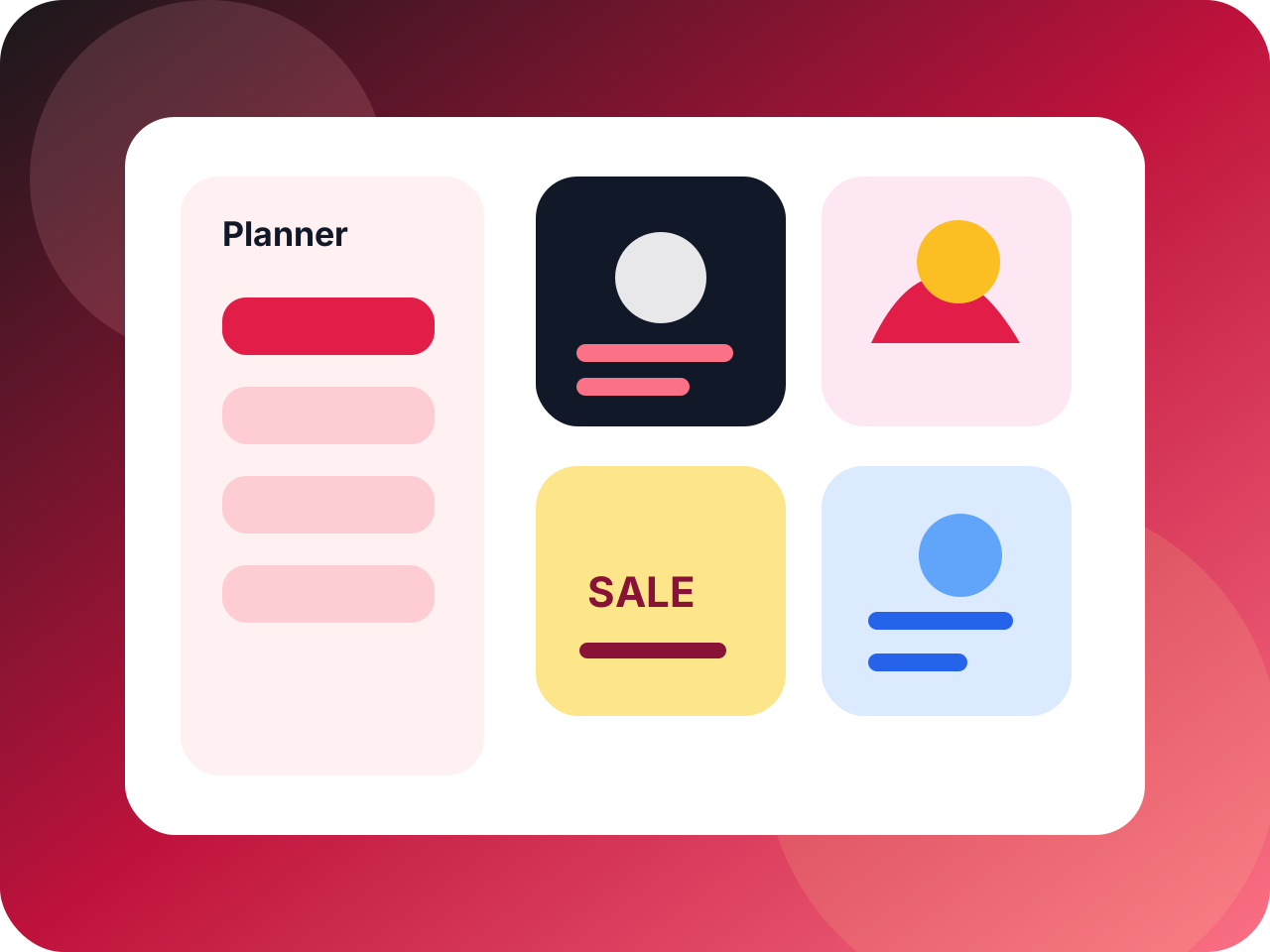
Content calendar
Plan, write, schedule
A campaign board communicates repeated commercial use, not one-off generated art.

Post review queue
Captions and visuals
Approval states show how a business can manage outgoing content.