
Websites, visuals, and brand email — from one workspace.
Draft pages, product photos, and short clips in AI Chat. Publish when you are ready, connect a domain, and add Workspace email on your own domain.
Start with AI or templates.
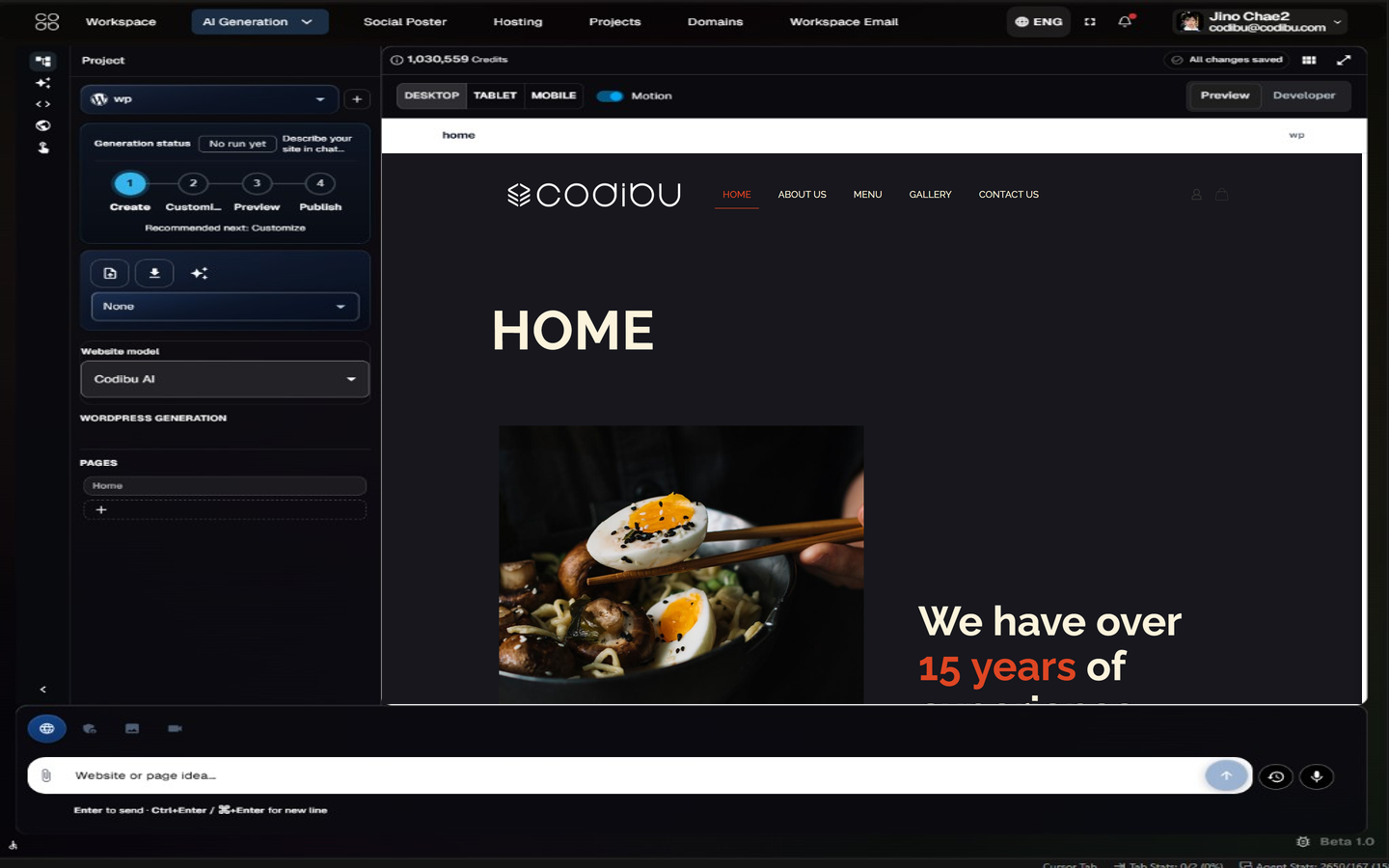
Describe your business. Get an editable site to launch.
AI Chat drafts the homepage, services, and contact sections from a few sentences. Preview on phone and desktop, edit each block, then connect a domain when you are ready.
Live preview while AI Chat writes the draft
Pick from 1,000+ design styles or start blank
Edit headings, photos, and sections in place
Choose hosting when you publish — preview is included on every plan
Preview before publishing.
Quick start
Choose what you want to create
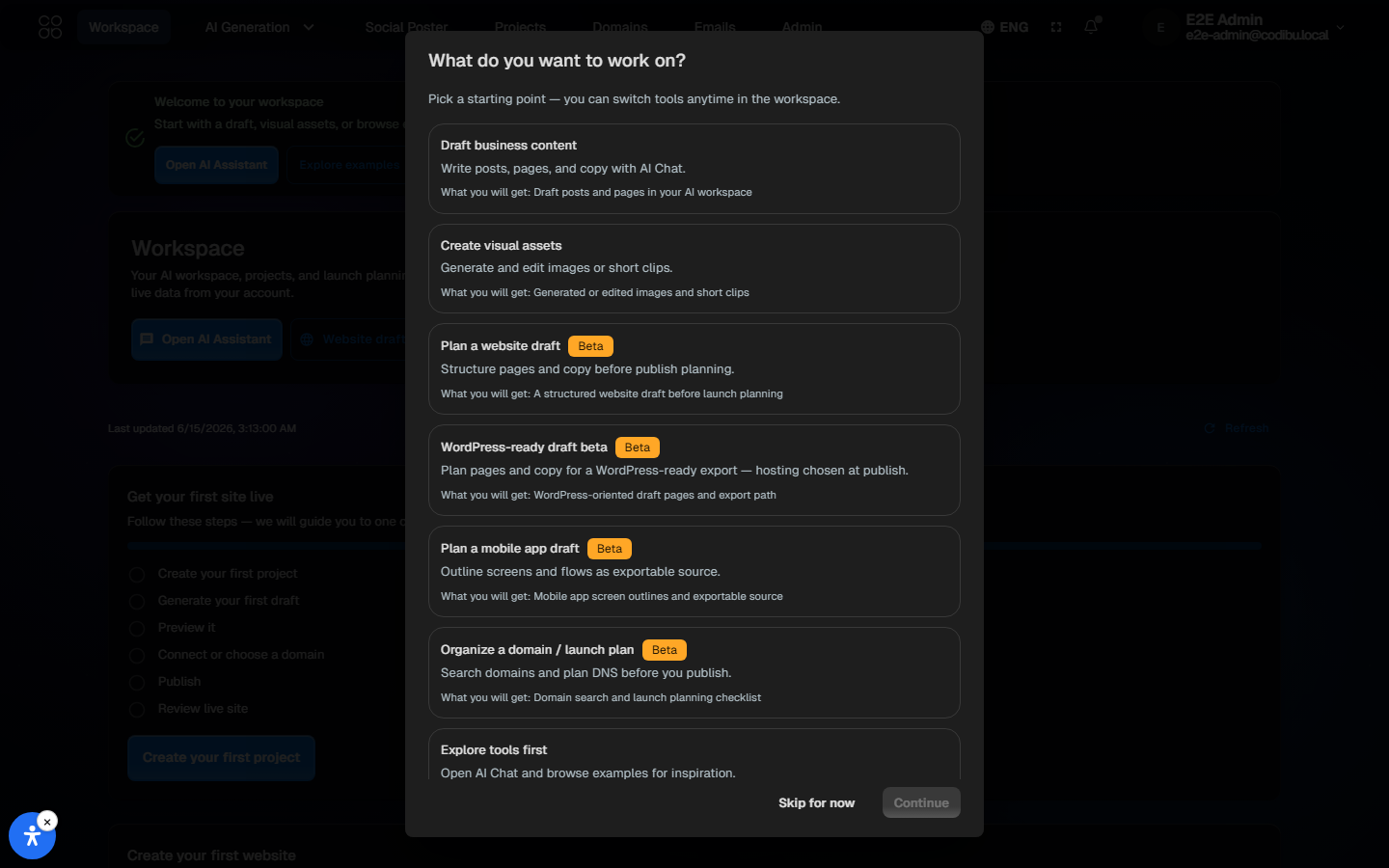
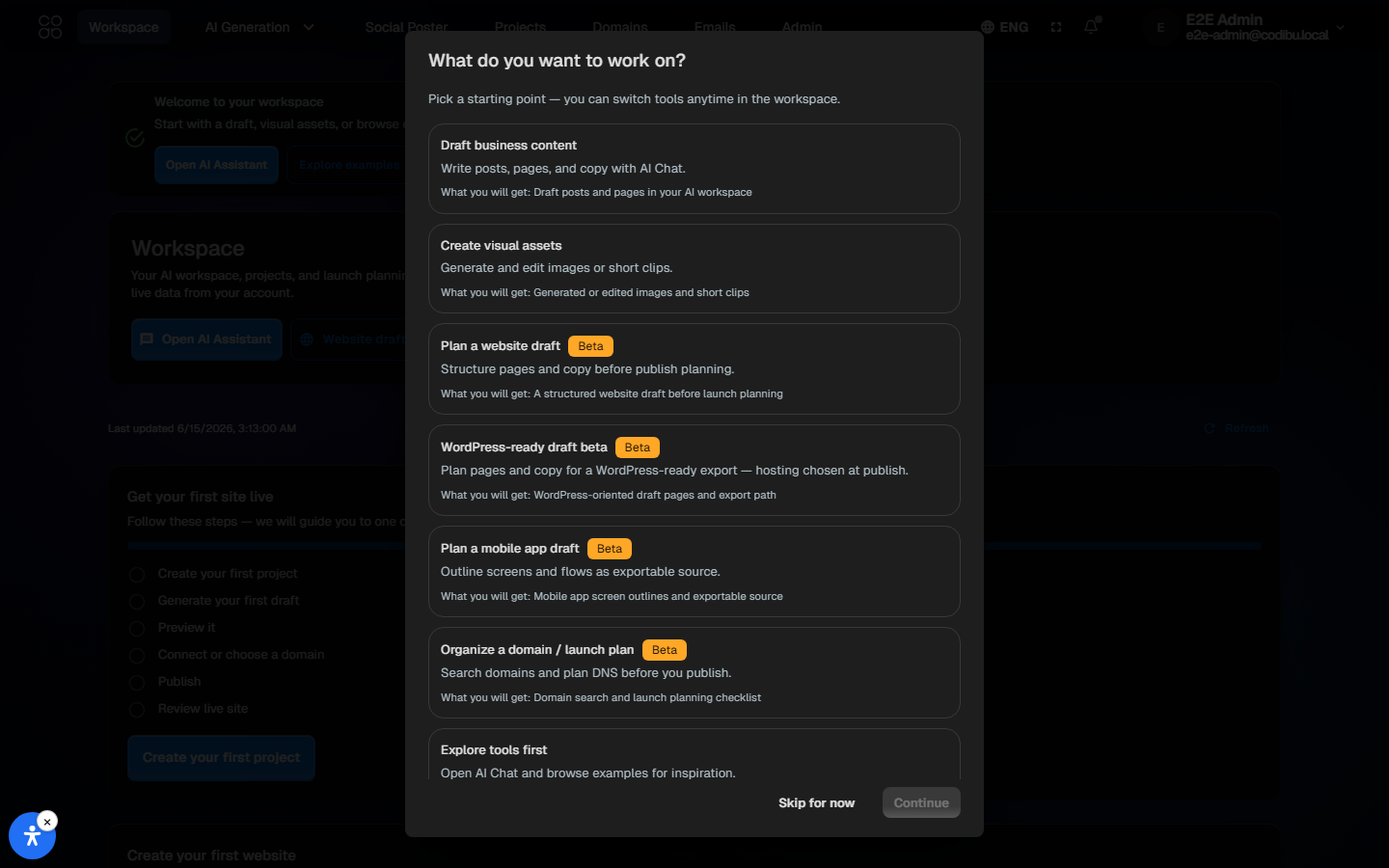
Start with a website, a visual, a video, a domain, or a campaign asset. Codibu routes you to the right workspace.
I need a website
Generate an editable website draft or start from templates.
I need product images
Create product scenes, ad visuals, and brand images from prompts.
I need short videos
Turn images or ideas into short marketing video concepts.
I need a domain or launch setup
Search domains, manage DNS, and prepare hosting and SSL visibility.
I need campaign content
Make social posters, branding concepts, and promotional visuals.
Pick a starting path; you can switch modes later.
Hero shots, product photos, and ad creatives from a prompt.
Type the scene. Get four images you can drop straight into a landing page, a banner, or a social post — no stock library needed.
Four variations per prompt, ready in seconds
Reroll, restyle, or recolor without starting over
Photo, illustration, and editorial directions
Save to your gallery and reuse across pages
Preview before publishing.
Refine existing images instead of starting over.
Upload an image, change the background, adjust colors, create product scenes, or retouch visuals for cleaner marketing assets. Editing and generation are separate but connected workflows.
Background replacement
Product background generation
Color and style variations
Retouching and visual cleanup
Preview before publishing.
Turn a still photo into a short clip you can post.
Upload a product shot or pick a hero image, then describe the motion you want. AI generates a 5–8 second loop ready for the top of a page or a social slot.
Image-to-video for product shots and hero photos
Text-to-video for storyboards and lifestyle clips
Quiet camera moves, particle motion, simple loops
MP4 download — drop straight into a page or feed
Preview before publishing.
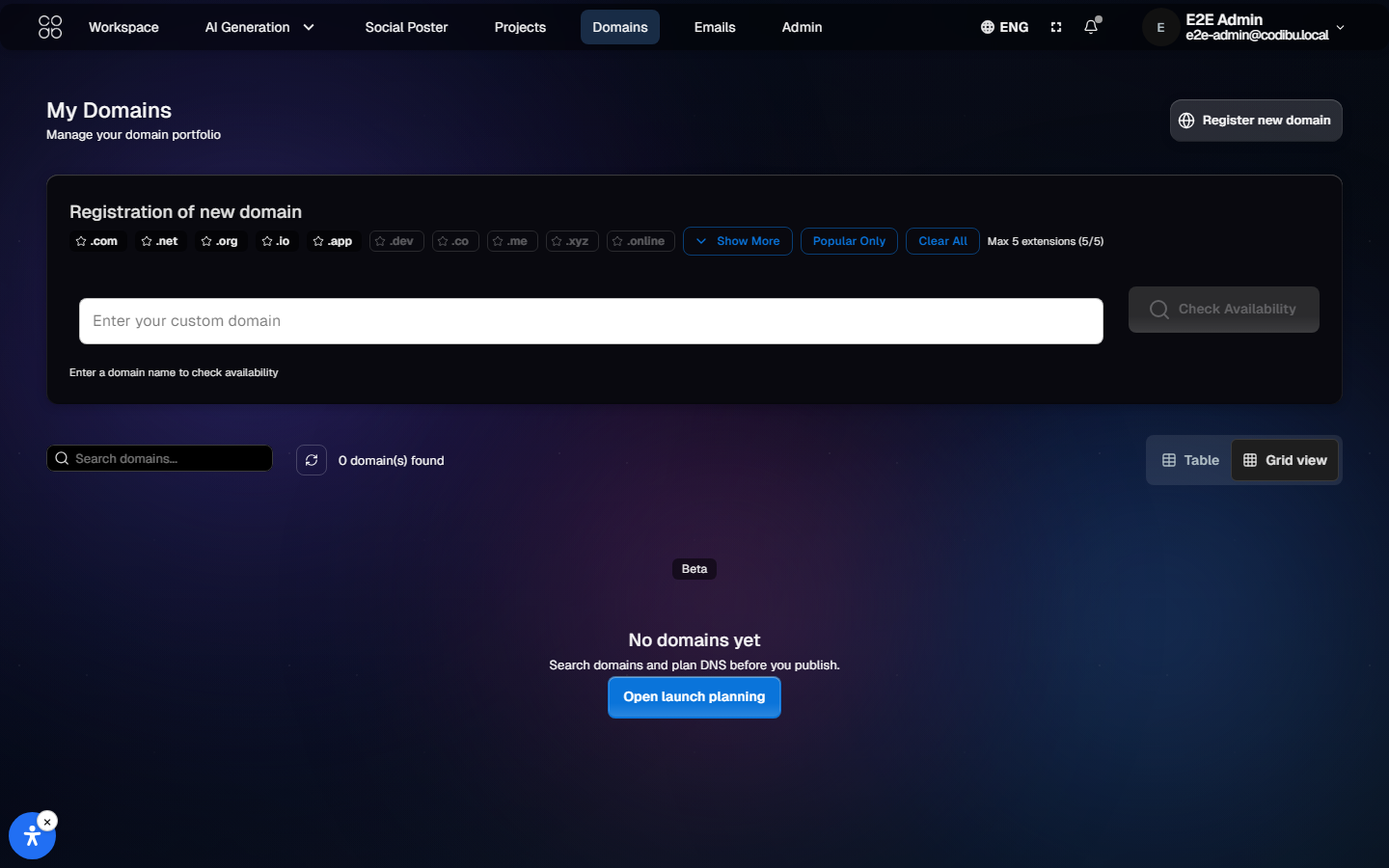
Search a name. Connect it. Watch DNS and SSL go live.
Register a new domain or point one you already own. Each step shows DNS and SSL status, so you know what is connected and what is still pending.
Register new names or connect existing ones
A, CNAME, MX, TXT — full record control
SSL status visible alongside DNS propagation
Domain, hosting, and site under one login
Preview before publishing.
Registration of new domain
Enter a domain name to check availability

Three brand directions for the same business.
Describe the business and the feeling you want. AI returns three styleboards — palette, type pair, imagery cues, and a cover sample — so you can pick one and apply it to your site.
Three named directions per brief
Palette, type pair, imagery, and voice notes
Cover sample shows the direction in context
Apply the pick to the website with one click
Preview before publishing.
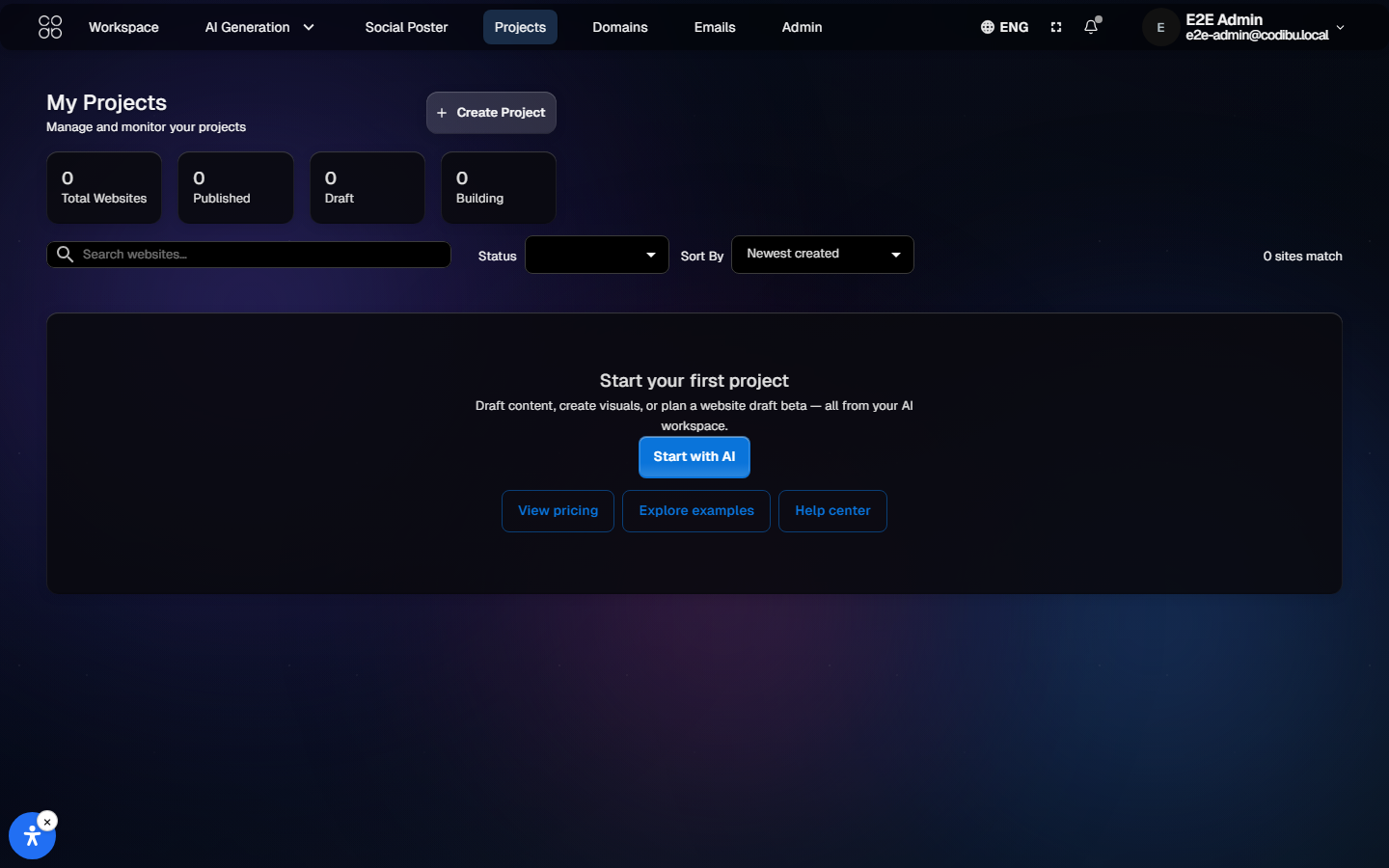
Expo app drafts from a prompt
Describe screens and flows — Codibu generates a managed Expo draft you can preview before any store submission.
React Native / Expo managed workflow
Preview drafts in the workspace
Iterate with AI on navigation and UI
Export when your draft is ready
Preview before publishing.
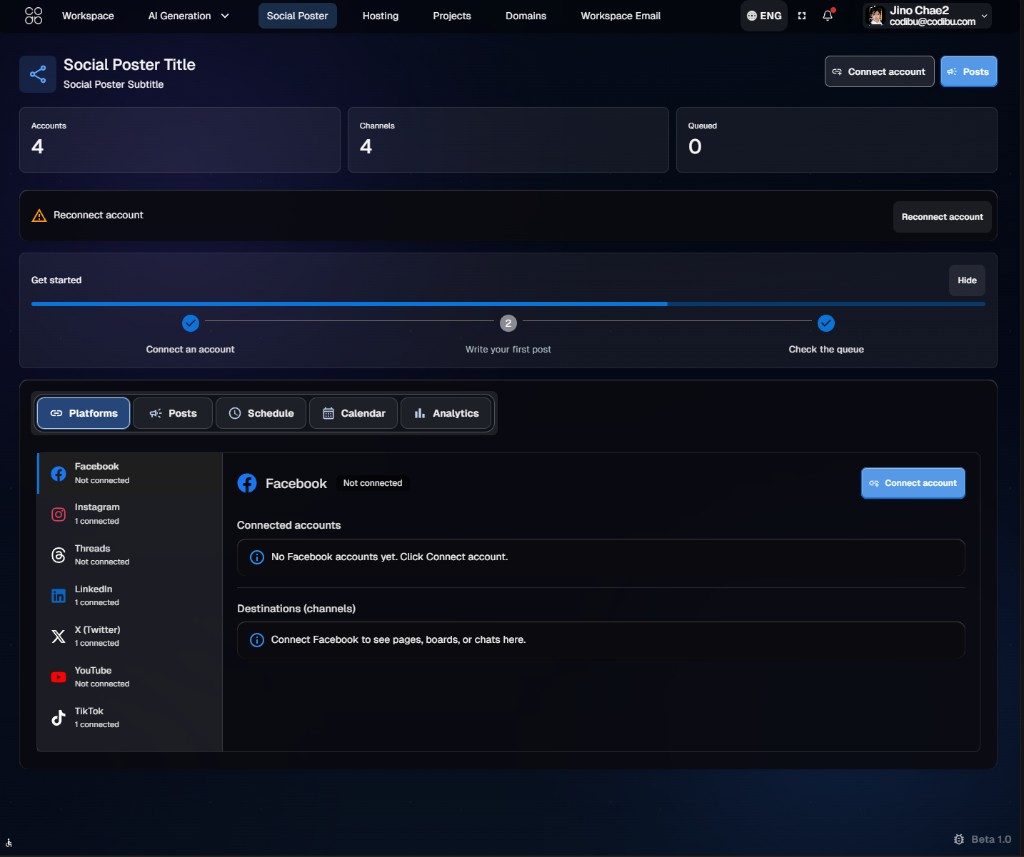
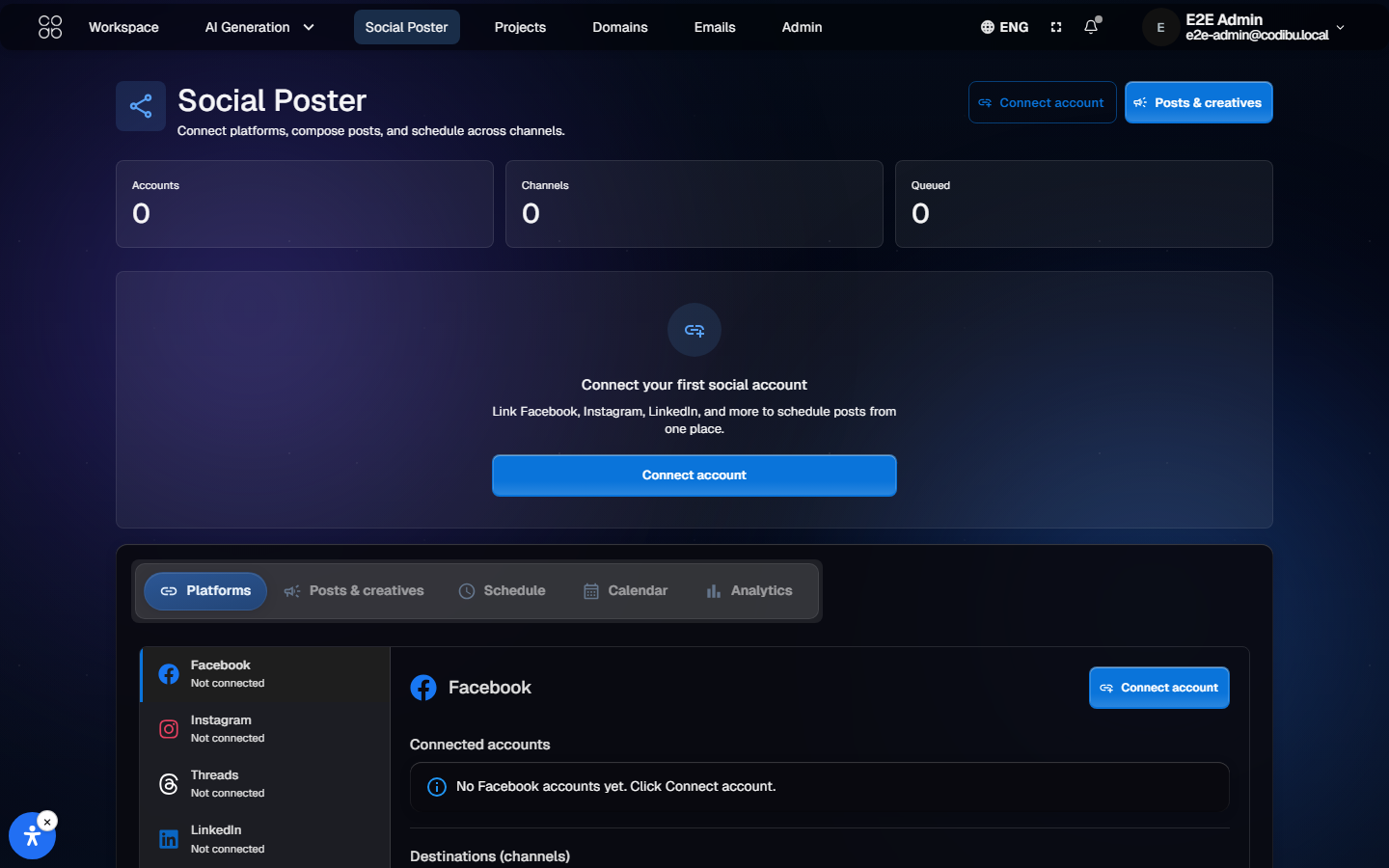
Compose once. Schedule to twelve platforms.
Write the caption, attach an AI-generated visual, pick the platforms, and queue it. The poster handles per-platform formatting and posts on schedule.
Instagram, TikTok, LinkedIn, X, YouTube + 8 more
Per-platform aspect ratios and caption limits
Calendar view with drag-to-reschedule
Engagement back in your dashboard after posting
Preview before publishing.
Concrete outputs
What you can create with Codibu
Each path produces a tangible outcome you can preview, edit, and use in marketing — not vague platform promises.
Who it is for
Built for the way small businesses actually launch
Choose the business type that sounds like you — each path opens the right workspace without juggling separate tools.
Local services
Plumbers, salons, contractors, and consultants — draft a service site and connect a domain when you are ready.
Restaurants & cafés
Start from store or restaurant templates, then add menu visuals and campaign images.
Online stores
Generate product shots and ad creatives, then pair with a storefront template.
Creators & campaigns
Draft social visuals and branding ideas. Social Poster is limited rollout — sign in to explore when available.
Agencies & operators
Run client drafts from one workspace — websites, visuals, and solution pages side by side.
Domain & launch teams
Search domains, track DNS steps, and align hosting visibility before you publish.
One workspace
Separate tools vs Codibu workspace
Compare juggling builders, asset apps, and registrars with one preview-first workspace.
Separate tools
Website builder in one tab, images in another
Export and re-upload assets between tools
Domain registrar separate from site editor
No shared preview across website and visuals
Multiple logins and billing relationships
Harder to keep brand copy consistent
Publish path unclear until late in the project
Codibu workspace
AI Chat modes for website, image, video, and branding
Preview drafts on desktop and mobile before publish
Templates and AI drafts in the same workspace
Domain search with DNS and SSL guidance
Project dashboard for drafts and assets
Edit copy and visuals without starting over
Publish when hosting and domain steps are ready
Preview before you publish
Codibu creates editable drafts and previews first. Review on desktop and mobile, adjust copy and visuals, and publish only when you are ready.
Editable website drafts — not instant live sites
Preview step on desktop and mobile
Manual review before launch
Project dashboard for drafts and assets
Ongoing edits after you go live
Pricing preview
Start free, add capacity when you need it
A quick overview — exact prices and plan limits are on the pricing page.
Start Free
Try AI Chat, generate images and videos, and save drafts.
AI Chat and asset drafts
Organize projects in one workspace
Upgrade when you need more credits
Build & Launch
For teams ready to shape a site and plan go-live steps.
Website drafts or template starts
Domain and hosting visibility
Preview before publishing
Grow & Manage
For ongoing content, campaigns, and workspace capacity.
More AI credits and projects
Social poster and campaign tools
Help center and support when stuck
Plans and add-ons change over time. Always confirm current pricing at /pricing before checkout.
Paid plans unlock more credits and launch features.
Why Codibu
Why businesses use Codibu
Safe, product-accurate reasons — no invented logos or customer counts.
Fewer tools to manage — website, visuals, and domains in one workspace
Faster first draft from a prompt or template
Editable outputs you control before anything goes live
Visuals and website projects in the same place
Domain, hosting, and SSL visibility when you plan launch
Ongoing content and campaign updates after launch
FAQ
Questions we hear a lot
Do I need design or coding skills?
No. Describe what you need in everyday language. Codibu drafts layout, visuals, and copy. You edit everything without code.
Can I use my own domain?
Yes. Register a new domain or connect one you own. SSL is included automatically.
What can the AI create?
Page and text drafts, on-brand images, short promo clips, and site structure you can edit before publishing — mostly from the same AI Chat thread.
How fast can I launch?
A first website draft can be created in minutes. Publishing to a live domain still needs your review, hosting choice, and launch steps.
Can I edit after launch?
Yes. The editor lets you change text, images, pages, and SEO settings. Publish your approved changes when you are ready — preview first, then go live.
Is there a free plan?
Yes. Try AI Chat, generate images and videos, and browse templates free. Paid plans add custom domains, hosting, and more AI credits.
How do website packages and hosting work?
Website packages cover workspace capacity and AI credits. Live hosting is a separate add-on you choose when you are ready to publish — not bundled as “hosting included” on the home page.
Can I edit what the AI creates?
Yes. Website drafts, images, and video concepts stay editable in your workspace. Change copy, swap visuals, adjust sections, and preview again before you publish.
Can I start with templates instead of AI?
Yes. Browse templates for business, store, and service sites, then customize in the editor. AI drafts and templates work in the same workspace.
Are AI images and videos included?
Image and short video generation use AI credits from your plan. Free tiers include trial capacity; paid plans add more credits. See pricing for current limits.
Can I preview before publishing?
Yes. Codibu is preview-first: review desktop and mobile previews, edit drafts, and only publish when hosting and domain setup are ready.
What if I only need images or videos?
Open AI Chat in Image or Video mode — no website required. Export visuals for ads, social, and product pages from the same workspace.
Need help choosing?
Need help choosing the right setup?
Tell us what you want to build — website, store, campaign visuals, domain setup, or launch workflow. We route you to support with context preserved.
Ready to start?
Your next website can start with one prompt.
Open AI Chat, describe your business, and start a site draft, visuals, or a short clip you can publish.
Create drafts first, publish when ready.