
Brand email on your own domain
Add mailboxes on a domain you control — local-part, seats, Stripe checkout, and DNS (MX/SPF/DKIM/DMARC) guided in Codibu.
What you get
Brand email as part of Launch & Manage.
Mailbox local-parts
Create addresses that match your team.
DNS checklist
Guided records for deliverability.
Billing clarity
Stripe checkout for seats.
Help docs
Step-by-step guides in Help Center.
Email that matches your brand
Workspace Email is a Codibu launch product — not a buried footnote.
Domain-backed addresses
you@yourdomain.com style mailboxes for the business.
Seats and billing
Checkout and seat management in the Codibu flow.
DNS guidance
MX/SPF/DKIM/DMARC steps when you connect the domain.
Mailbox management
Add and manage mailboxes after purchase.
Connect → pay → manage
Email setup follows domain readiness.
Connect
Choose domain
Select a Codibu-managed or connected domain.
Pay
Seats via Stripe
Purchase mailbox seats in checkout.
Manage
Mailboxes & DNS
Finish DNS and manage mailboxes in product.
When you're ready, take the next step.
Turn this into a live project in your account.
Product preview
Screens from the Codibu workspace — draft, review, and export states you will use in your project.
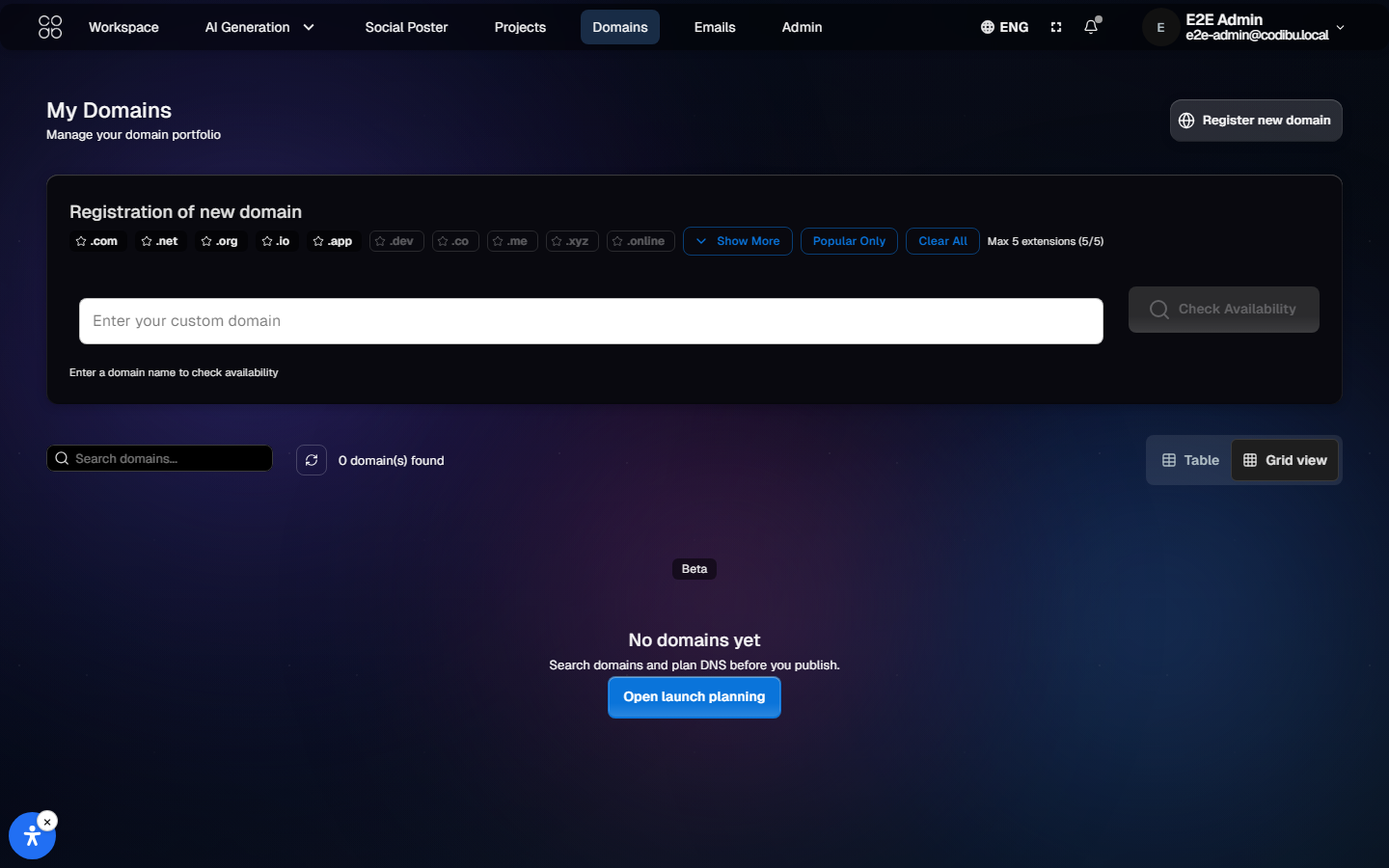
Workspace email
Mailbox · DNS guidance
Mailbox setup and DNS guidance for your domain — product onboarding screens, not a generic mail mock.
Domain connection
MX · verify · next steps
Domain records and verification steps for mail — timing varies by registrar.