
WordPress websites with templates and managed hosting
Start from templates or a WordPress-oriented draft, then launch on managed WordPress hosting — separate from AI static/HTML sites.
What you get
A WordPress track aligned with Codibu hosting and templates.
Template path
Start from curated layouts.
WordPress hosting options
See current tiers on Pricing — not legacy AWS cards.
Editor path
Continue editing after generation.
Launch checklist
Domain and SSL readiness before go-live.
WordPress as a first-class track
CMS, templates, and hosting are product surfaces — not a footnote under Website.
Templates as a creation path
Pick a layout, then continue into WordPress-ready setup.
Managed WordPress hosting
Hosting priced separately from static plans on /pricing.
Edit after draft
Refine pages before and after publish.
Create → publish → manage
Preview, publish, redeploy, and backup from Codibu.
Lifecycle
How WordPress work moves from draft to day-two ops.
Create
Template or draft
Choose a starting layout or WordPress-oriented AI draft.
Publish
Managed hosting + domain
Launch when the draft is approved — not instant live by default.
Manage
Site ops
Redeploy, backup, and settings from My Projects.
When you're ready, take the next step.
Turn this into a live project in your account.
Product preview
Screens from the Codibu workspace — draft, review, and export states you will use in your project.
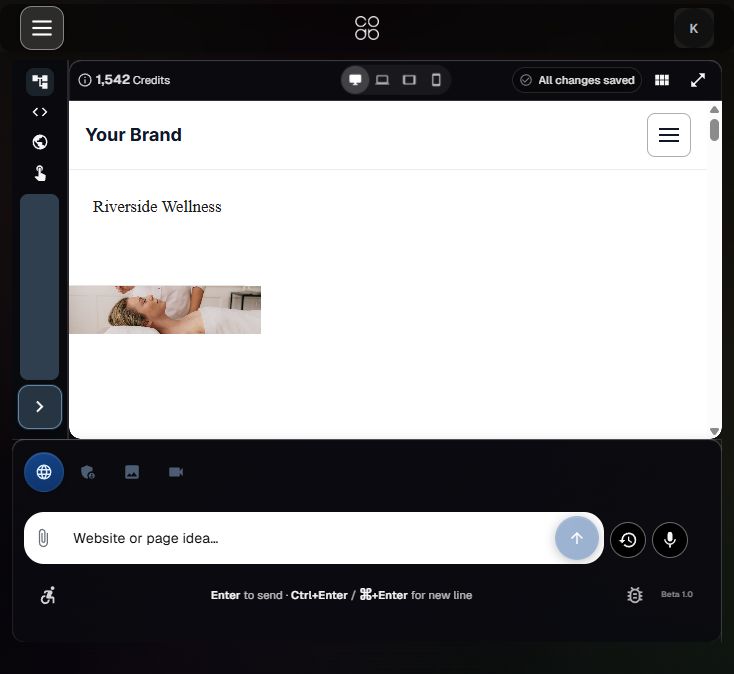
Template start
Layouts · industries · preview
Template gallery used for WordPress-ready launches — product path, not a decorative mock.
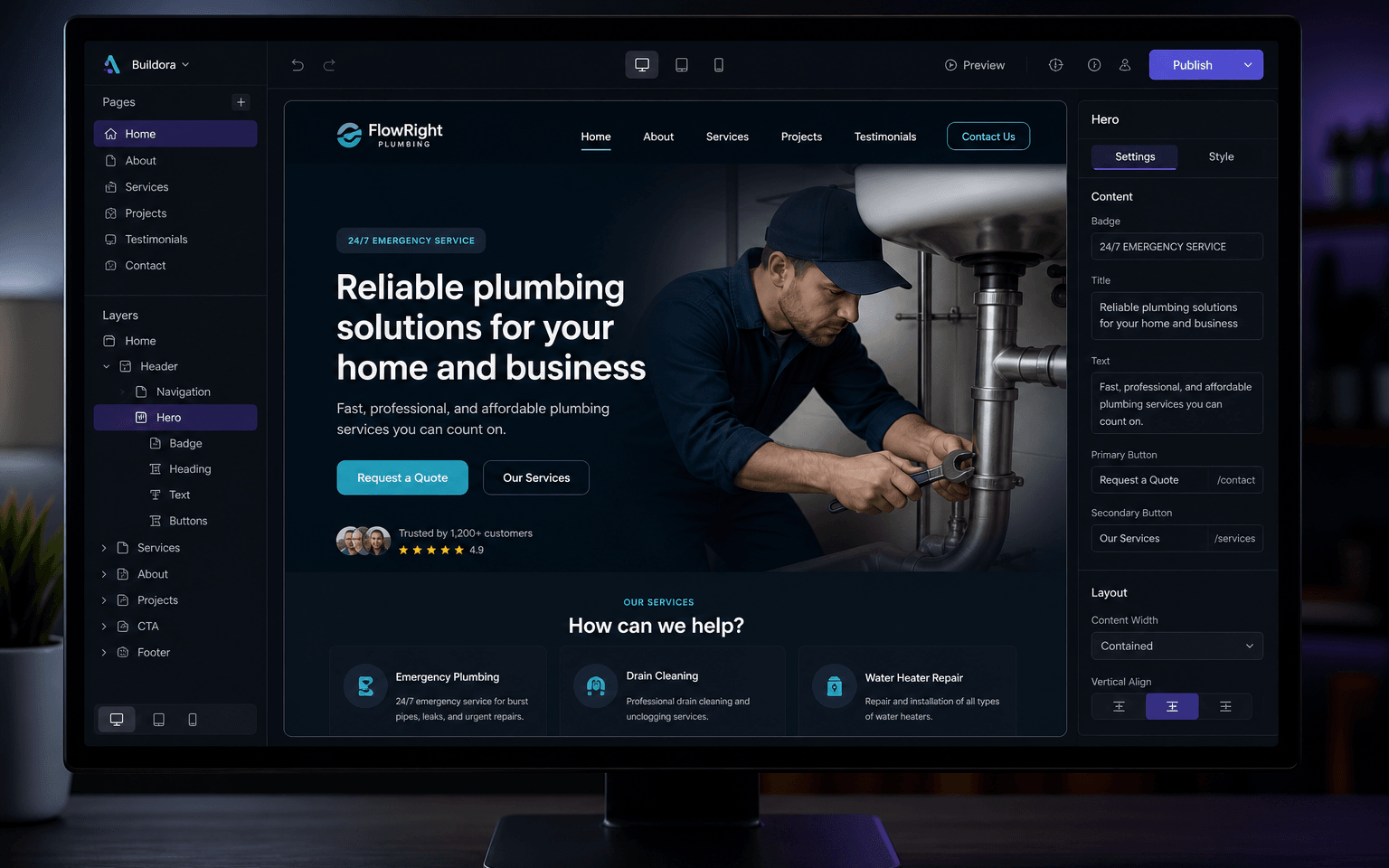
Hosting & domain readiness
Plan · SSL · checklist
Managed WordPress hosting and domain readiness before go-live — timing depends on plan and DNS.