
Visual website editor
Edit by selecting what you see on the page
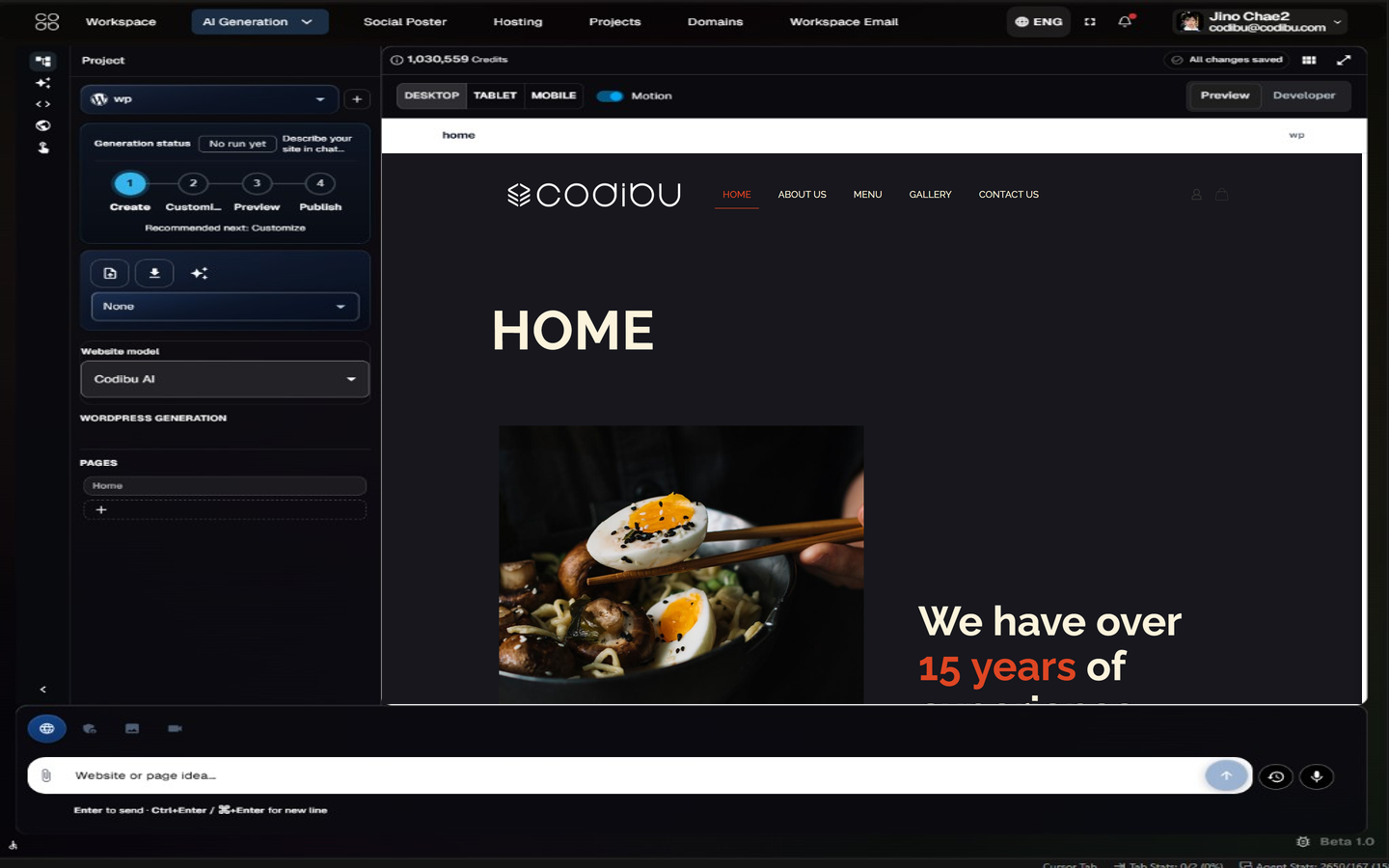
Click what you see in the preview, adjust it in the side panel, and keep section order intact — a structured editor for real drafts, not a free-form canvas claim.
What is the main site goal?
This steers section emphasis and CTA direction.
Try an example
Click to select in the preview
Tap or click a section, block, or text element in the live preview. The editor panel shows controls for the selected item — no free-form canvas guessing.
Start from drafts or templates
Open an AI-generated draft or a template starting point, then refine copy, images, and section order in the same visual workspace.
Preview before launch
Review desktop and mobile layouts, then continue into domain, hosting, and publish steps when the site matches what you want.